Quick Verdict
After six weeks of daily use in a real freelance workflow, Wispr Flow is the best AI dictation tool for everyday office work on Mac. The AI correction layer is the differentiator: you speak naturally — filler words, incomplete sentences, mid-thought corrections — and what appears on screen is clean, grammatically correct prose. A 400-word proposal that takes 18 minutes to type takes 3 minutes to dictate. The free tier is limited (60 minutes/month) but enough to test properly. At $12/month for Pro, the math works for anyone who writes more than 2,000 words a week.
Free tier — 60 min/mo, no credit card
What Makes Wispr Flow Different: The AI Correction Layer
Most dictation tools are transcription tools. You speak, they write down exactly what you said — including "um", "uh", "like I was saying", false starts, and run-on sentences. The output needs editing before it is usable.
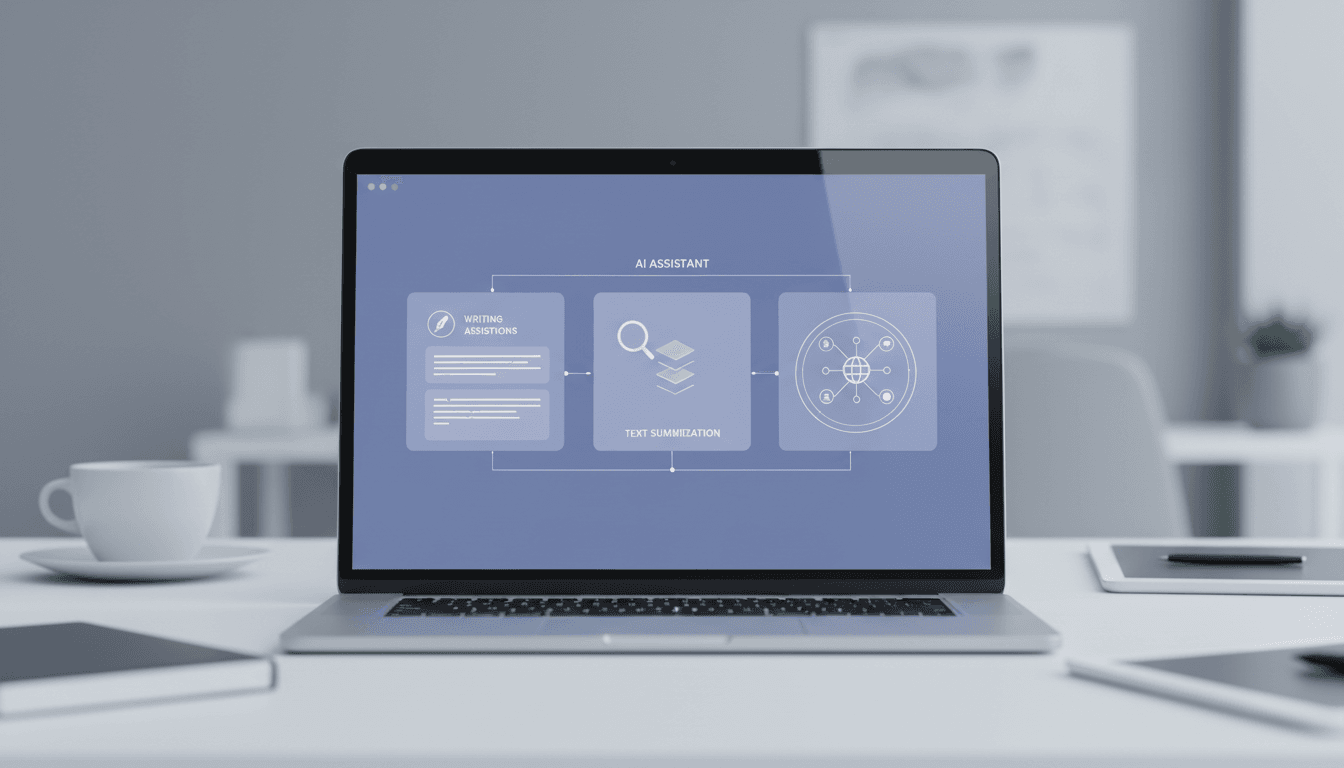
Wispr Flow adds an AI processing layer between your speech and the text output. It:
- Removes filler words ("um", "uh", "you know", "like") automatically
- Fixes grammar and punctuation in real time
- Restructures incomplete sentences into coherent prose
- Maintains context across longer passages to avoid awkward sentence breaks
The result is text that reads as though it was typed deliberately — not transcribed from speech. This is the feature that separates Wispr from legacy dictation tools and from raw Whisper implementations.
Tested Use Cases
Emails (Gmail)
This is the highest-value use case. Dictating a detailed client email — context, asks, next steps — takes about 90 seconds versus 8-10 minutes of typing. The AI correction layer handles the conversational speech patterns that typically sound unprofessional when transcribed literally. You can dictate the whole email in one pass and send with minor review.
Notion Notes
Wispr works via a keyboard shortcut (hold a configurable key), so it activates in any text field in any app. In Notion, this means you can dictate meeting notes, project briefs, and content outlines directly into any block. The output needs slightly more cleanup in Notion than in email fields (complex nested structure benefits from manual arrangement), but the time saving is still significant.
Slack Messages
Ideal for longer Slack messages that would take multiple minutes to type. Less useful for one-line replies. The workflow: hold the shortcut, dictate, release, review the cleaned output, hit send. The whole process is faster than switching to a keyboard stance and typing.
Web CMS (WordPress, Webflow)
Works in any browser text field. For drafting blog post sections, landing page copy, or product descriptions directly in a CMS, the speed advantage is significant. The AI correction layer is particularly valuable here — CMS draft quality is indistinguishable from typed content.
For long-form writing (blog posts, reports, proposals), dictate in chunks of 3-5 sentences rather than trying to dictate full documents in one pass. The AI processes in near-real-time, and shorter chunks give you natural review points to maintain control of structure.
Pricing
| Free plan | $0/month | 60 minutes of dictation/mo |
| Pro plan | ~$12/month | Unlimited dictation |
| Annual billing | Discount available | Check site for current rate |
| Platforms | Mac (stable), Android (launched 2025) | Windows in beta |
| Local processing | Yes (Apple Silicon) | No audio sent to cloud |
| Languages | 50+ | English best quality |
The 60-minute free tier translates to roughly 6,000-9,000 words of dictation — enough for a genuine evaluation. Most users know within the first week whether they will use this daily.
Wispr Flow vs. Competitors
| Feature | Wispr Flow | SuperWhisper | Aqua Voice | Apple Dictation |
|---|---|---|---|---|
| AI correction layer | Yes | Partial | Yes | No |
| Works in any app | Yes | Yes | Yes | Yes |
| Local processing | Yes (Apple Silicon) | Yes | No | Yes |
| Model selection | Auto | Manual (granular) | Auto | N/A |
| Free tier | 60 min/mo | Limited | Trial | Built-in |
| Pro price | ~$12/mo | ~$10/mo | ~$12/mo | Free |
| Android app | Yes (2025) | No | No | No |
| Windows | Beta | No | No | No |
| Best for | Office/everyday | Technical/power users | Conversational | Basic transcription |
vs. SuperWhisper: SuperWhisper gives you granular control over which Whisper model runs on each use case — ideal for developers and power users who want to tune performance. Wispr Flow is more hands-off and better suited to non-technical users who want great output without configuration.
vs. Apple Dictation: Apple Dictation is a literal transcriber — it writes exactly what you say, filler words included. The output requires significant editing for professional use. Wispr's AI layer eliminates that editing step. Apple Dictation is free; Wispr Pro is $12/month. The value of $12/month is whether you dictate often enough for the editing time saved to exceed the cost.
Privacy and Local Processing Mode
Wispr Flow offers a local processing mode on Apple Silicon Macs (M1, M2, M3, M4 chips). In local mode, your audio is processed entirely on-device — no audio is sent to Wispr's servers.
Local mode has a slightly lower accuracy ceiling than cloud processing, particularly for technical vocabulary and non-standard names. For most office writing, the quality difference is not perceptible. For sensitive environments (legal, medical, confidential client work), local mode is the right choice regardless of accuracy trade-offs.
For users without Apple Silicon (Intel Macs, Windows beta), audio is processed via cloud infrastructure. Wispr's privacy policy states audio is not retained after processing.
- AI correction layer produces clean, professional output from natural speech
- Works in any app via keyboard shortcut — no copy-paste workflow
- Local processing on Apple Silicon for privacy-sensitive work
- Android app launched 2025 — extends workflow to mobile
- 60-minute free tier is enough for a genuine evaluation
- Time savings are real and measurable: 400 words in 3 min vs 18 min typing
- Windows support still in beta — not production-ready for PC users
- Free plan at 60 min/month runs out quickly for heavy users
- AI correction occasionally over-edits casual messages (adds formality)
- Less model control than SuperWhisper for technical users
- Local mode quality slightly lower than cloud for technical vocabulary
- Requires reviewing output — cannot blindly dictate and send
Who Should Use Wispr Flow?
Strong fit:
- Freelancers and consultants who write proposals, reports, and client emails daily
- Content creators who prefer thinking out loud to typing
- Professionals with RSI or wrist strain who need to reduce keyboard usage
- Anyone who regularly produces 2,000+ words of professional writing per week
- Mac users who have tried Apple Dictation and found the output too raw
Not the best fit:
- Windows users (wait for the stable release)
- Technical users who want to manually select transcription models (use SuperWhisper)
- Casual users who write fewer than a few hundred words per day (free tier may be sufficient)
FAQ
Does Wispr Flow work in English?
Yes, and English is where Wispr Flow performs best. The AI correction layer is most effective in English, producing clean, natural-sounding output. Wispr supports 50+ languages, but quality varies — French, Spanish, and German are well-supported; less common languages may see reduced accuracy in the correction layer.
Does Wispr Flow work with any application?
Yes. Wispr Flow works in any app with a text input field on Mac — Gmail, Notion, Slack, Linear, VS Code, Word, web browsers, CMS editors, and anything else. It activates via keyboard shortcut and inserts text at the cursor position, exactly like typing.
Is 60 minutes per month on the free plan enough to evaluate?
Yes, for most users. 60 minutes of dictation at a natural speaking pace produces roughly 8,000-10,000 words. That is enough to test Wispr across multiple real work tasks. You will know within the first week whether the workflow fits.
How does local processing work and should I use it?
On Apple Silicon Macs, Wispr can run the transcription model entirely on your device using the Neural Engine. No audio leaves your computer. Use local mode if you dictate anything confidential — legal documents, client financials, medical notes. The slight accuracy trade-off is worth it for the privacy guarantee.
Will Wispr Flow be available on Windows?
A Windows beta exists as of early 2026. Based on current pace, a stable Windows release is likely in 2026. PC users should monitor the Wispr website for announcements or join the beta waitlist.
Final Verdict
Six weeks of real use confirmed what the demo suggested: Wispr Flow fundamentally changes how fast professional writing gets done on a Mac. The AI correction layer is not a gimmick — it is the difference between dictation that creates work (editing raw transcription) and dictation that saves work (clean output, minor review, done).
The limitation is platform: Windows users are not well-served yet, and Android is promising but not yet a full daily-driver replacement for the Mac experience. If you are on Apple Silicon and write professionally, there is no better $12/month you can spend on productivity tooling in 2026.
Rating: 4.5/5
60 min/mo free — no credit card required